πŸš€ Start Your Website Today With WEBSHOST Hosting Starting At β‚Ή33/month Professional Hosting Made Affordable Free SSL Certificate India Datacenter Singapore Datacenter Finland Datacenter πŸš€ Start Your Website Today With WEBSHOST Hosting Starting At β‚Ή33/month Professional Hosting Made Affordable Free SSL Certificate India Datacenter Singapore Datacenter Finland Datacenter


Fast, Secure & Reliable OTP SMS Service

OTP SMS Service in India

  • Instant OTP Delivery
  • No DLT Registration Required
  • Secure API Integration
Explore OTP SMS API & Documentation
image

πŸ“± OTP SMS API Setup Guide for Developers

Complete integration guide for WebShost OTP SMS Service

πŸš€ How to Setup OTP SMS API in Your Code?

Follow these simple steps to integrate OTP SMS API in your website or application

1 Purchase OTP SMS Credits

Select any plan from our pricing page and complete the purchase. You will receive your unique API Key in your client area.

πŸ“§ API Key: dGVzdF9hcGlfa2V5XzEyMzQ1Njc4OTA=
2 Basic PHP Integration Code (Recommended)

Copy and paste this code in your PHP file. Replace YOUR_API_KEY with your actual API key.

<?php
// =============================================
// WEBSHOST OTP SMS API INTEGRATION
// API Endpoint: https://otp.webshost.in/
// =============================================

// Step 1: Get your API Key from client area
$api_key = "YOUR_API_KEY_HERE";

// Step 2: User's mobile number and OTP
$mobile = "1234567890";  // User's phone number (10 digits)
$otp = rand(100000, 999999);    // Generate 6-digit OTP

// Step 3: Prepare API URL with otp.webshost.in domain
$api_url = "https://otp.webshost.in/api-sms-v3.php?api_key=$api_key&number=$mobile&otp=$otp";

// Step 4: SSL context (disable verification for development only)
$context_options = array(
    "ssl" => array(
        "verify_peer" => false,
        "verify_peer_name" => false,
    )
);

// Step 5: Send OTP via API
$response = file_get_contents($api_url, false, stream_context_create($context_options));

// Step 6: Handle response with proper error checking
if ($response === false) {
    die("❌ Error: Unable to connect to OTP API server");
}

// Decode JSON response
$result = json_decode($response, true);

// Check if JSON decode was successful
if (json_last_error() !== JSON_ERROR_NONE) {
    die("❌ Error: Invalid API response format");
}

// Check response status
if(isset($result['status']) && $result['status'] == 'success') {
    echo "βœ… OTP sent successfully to $mobile";
    // Store OTP in session for verification
    session_start();
    $_SESSION['otp'] = $otp;
    $_SESSION['mobile'] = $mobile;
    $_SESSION['otp_expiry'] = time() + 300; // 5 minutes expiry
} else {
    $error_msg = isset($result['message']) ? $result['message'] : 'Unknown error';
    echo "❌ Failed to send OTP: " . $error_msg;
}
?>
3 Complete OTP Verification System (PHP + Session)

Full working example with OTP generation, sending, and verification.

<?php
// File: send-otp.php
session_start();

// Configuration
$api_key = "YOUR_API_KEY_HERE";

// Get mobile number from POST request
$mobile = $_POST['mobile'] ?? '';

// Validate mobile number
if(empty($mobile) || !preg_match('/^[0-9]{10}$/', $mobile)) {
    echo json_encode(['status' => 'error', 'message' => 'Invalid mobile number']);
    exit;
}

// Generate 6-digit OTP
$otp = rand(100000, 999999);

// Prepare API URL
$api_url = "https://otp.webshost.in/api-sms-v3.php?api_key=$api_key&number=$mobile&otp=$otp";

// Send request
$context_options = array("ssl" => array("verify_peer" => false, "verify_peer_name" => false));
$response = file_get_contents($api_url, false, stream_context_create($context_options));

if ($response === false) {
    echo json_encode(['status' => 'error', 'message' => 'API connection failed']);
    exit;
}

$result = json_decode($response, true);

// Store OTP in session
if(isset($result['status']) && $result['status'] == 'success') {
    $_SESSION['otp'] = $otp;
    $_SESSION['mobile'] = $mobile;
    $_SESSION['otp_expiry'] = time() + 300; // 5 minutes
    echo json_encode(['status' => 'success', 'message' => 'OTP sent successfully']);
} else {
    $error_msg = $result['message'] ?? 'Failed to send OTP';
    echo json_encode(['status' => 'error', 'message' => $error_msg]);
}
?>

<?php
// File: verify-otp.php
session_start();

$otp = $_POST['otp'] ?? '';
$mobile = $_POST['mobile'] ?? '';

// Check if OTP exists and is not expired
if(isset($_SESSION['otp']) && isset($_SESSION['mobile']) && isset($_SESSION['otp_expiry'])) {
    // Check expiry
    if(time() > $_SESSION['otp_expiry']) {
        echo json_encode(['success' => false, 'message' => 'OTP has expired']);
        exit;
    }
    
    // Verify OTP
    if($_SESSION['otp'] == $otp && $_SESSION['mobile'] == $mobile) {
        // OTP verified - clear session
        unset($_SESSION['otp']);
        unset($_SESSION['mobile']);
        unset($_SESSION['otp_expiry']);
        echo json_encode(['success' => true, 'message' => 'OTP verified successfully']);
    } else {
        echo json_encode(['success' => false, 'message' => 'Invalid OTP']);
    }
} else {
    echo json_encode(['success' => false, 'message' => 'No OTP found. Please request a new one.']);
}
?>
4 JavaScript (AJAX) Integration

For modern websites, use this JavaScript code to send OTP without page refresh.

<script>
// Function to send OTP using AJAX
function sendOTP() {
    var mobile = document.getElementById('mobile').value;
    
    // Validate mobile number
    if(!mobile || mobile.length != 10 || !/^[0-9]+$/.test(mobile)) {
        alert('Please enter a valid 10-digit mobile number');
        return;
    }
    
    // Show loading state
    document.getElementById('sendBtn').disabled = true;
    document.getElementById('sendBtn').innerHTML = '⏳ Sending...';
    
    // Send AJAX request
    fetch('send-otp.php', {
        method: 'POST',
        headers: {
            'Content-Type': 'application/x-www-form-urlencoded'
        },
        body: 'mobile=' + mobile
    })
    .then(response => response.json())
    .then(data => {
        if(data.status == 'success') {
            document.getElementById('message').innerHTML = 
                '<div class="alert alert-success">βœ… OTP sent successfully! Check your mobile.</div>';
            // Enable OTP input field
            document.getElementById('otp').disabled = false;
            document.getElementById('verifyBtn').disabled = false;
            // Start timer for resend
            startTimer(60);
        } else {
            document.getElementById('message').innerHTML = 
                '<div class="alert alert-danger">❌ ' + data.message + '</div>';
        }
    })
    .catch(error => {
        document.getElementById('message').innerHTML = 
            '<div class="alert alert-danger">❌ Error: ' + error.message + '</div>';
    })
    .finally(() => {
        document.getElementById('sendBtn').disabled = false;
        document.getElementById('sendBtn').innerHTML = 'πŸ“€ Send OTP';
    });
}

// Function to verify OTP
function verifyOTP() {
    var mobile = document.getElementById('mobile').value;
    var otp = document.getElementById('otp').value;
    
    if(!otp || otp.length != 6) {
        alert('Please enter 6-digit OTP');
        return;
    }
    
    document.getElementById('verifyBtn').disabled = true;
    document.getElementById('verifyBtn').innerHTML = '⏳ Verifying...';
    
    fetch('verify-otp.php', {
        method: 'POST',
        headers: {
            'Content-Type': 'application/x-www-form-urlencoded'
        },
        body: 'mobile=' + mobile + '&otp=' + otp
    })
    .then(response => response.json())
    .then(data => {
        if(data.success) {
            document.getElementById('message').innerHTML = 
                '<div class="alert alert-success">βœ… OTP Verified Successfully!</div>';
            // Redirect or show success page
            setTimeout(() => {
                window.location.href = 'dashboard.php';
            }, 2000);
        } else {
            document.getElementById('message').innerHTML = 
                '<div class="alert alert-danger">❌ ' + data.message + '</div>';
        }
    })
    .catch(error => {
        document.getElementById('message').innerHTML = 
            '<div class="alert alert-danger">❌ Error: ' + error.message + '</div>';
    })
    .finally(() => {
        document.getElementById('verifyBtn').disabled = false;
        document.getElementById('verifyBtn').innerHTML = 'βœ… Verify OTP';
    });
}

// Timer function for resend
function startTimer(seconds) {
    var btn = document.getElementById('sendBtn');
    btn.disabled = true;
    var timer = setInterval(function() {
        seconds--;
        btn.innerHTML = '⏳ Resend in ' + seconds + 's';
        if(seconds <= 0) {
            clearInterval(timer);
            btn.disabled = false;
            btn.innerHTML = 'πŸ“€ Resend OTP';
        }
    }, 1000);
}
</script>
5 Complete HTML Form

Ready-to-use HTML form with OTP verification.

<!DOCTYPE html>
<html>
<head>
    <title>OTP Verification - WebShost</title>
    <link rel="stylesheet" href="https://cdn.jsdelivr.net/npm/bootstrap@5.3.0/dist/css/bootstrap.min.css">
</head>
<body>
    <div class="container mt-5">
        <div class="row justify-content-center">
            <div class="col-md-6 col-lg-4">
                <div class="card shadow">
                    <div class="card-body p-4">
                        <h4 class="text-center mb-4">πŸ“± OTP Verification</h4>
                        
                        <div id="message"></div>
                        
                        <div class="mb-3">
                            <label class="form-label">Mobile Number</label>
                            <input type="tel" id="mobile" 
                                   class="form-control"
                                   placeholder="Enter 10-digit number"
                                   maxlength="10" required>
                        </div>
                        
                        <button id="sendBtn" class="btn btn-primary w-100" 
                                onclick="sendOTP()">
                            πŸ“€ Send OTP
                        </button>
                        
                        <hr>
                        
                        <div class="mb-3">
                            <label class="form-label">Enter OTP</label>
                            <input type="text" id="otp" 
                                   class="form-control"
                                   placeholder="Enter 6-digit OTP"
                                   maxlength="6" disabled>
                        </div>
                        
                        <button id="verifyBtn" class="btn btn-success w-100" 
                                onclick="verifyOTP()" disabled>
                            βœ… Verify OTP
                        </button>
                    </div>
                </div>
            </div>
        </div>
    </div>

    <script src="https://cdn.jsdelivr.net/npm/bootstrap@5.3.0/dist/js/bootstrap.bundle.min.js"></script>
    <script>
    // Add JavaScript functions here (from Step 4)
    </script>
</body>
</html>
6 Node.js Integration

For Node.js applications, use this code.

// Node.js with axios
const axios = require('axios');

// Configuration
const API_KEY = 'YOUR_API_KEY_HERE';
const API_URL = 'https://otp.webshost.in/api-sms-v3.php';

// Function to send OTP
async function sendOTP(mobile, otp) {
    try {
        const response = await axios.get(API_URL, {
            params: {
                api_key: API_KEY,
                number: mobile,
                otp: otp
            },
            httpsAgent: new (require('https').Agent)({ rejectUnauthorized: false })
        });
        
        return response.data;
    } catch (error) {
        console.error('Error sending OTP:', error.message);
        return { status: 'error', message: error.message };
    }
}

// Express.js route example
const express = require('express');
const app = express();
app.use(express.json());

app.post('/api/send-otp', async (req, res) => {
    const { mobile } = req.body;
    
    // Validate mobile
    if (!mobile || !/^[0-9]{10}$/.test(mobile)) {
        return res.status(400).json({ status: 'error', message: 'Invalid mobile number' });
    }
    
    // Generate OTP
    const otp = Math.floor(100000 + Math.random() * 900000);
    
    // Send OTP
    const result = await sendOTP(mobile, otp);
    
    if (result.status === 'success') {
        // Store OTP in session/database
        res.json({ status: 'success', message: 'OTP sent successfully' });
    } else {
        res.status(500).json(result);
    }
});

app.listen(3000, () => {
    console.log('Server running on port 3000');
});
7 Python Integration

For Python applications, use this code.

# Python with requests
import requests
import random
import json

# Configuration
API_KEY = "YOUR_API_KEY_HERE"
API_URL = "https://otp.webshost.in/api-sms-v3.php"

def send_otp(mobile, otp):
    """Send OTP to mobile number"""
    params = {
        'api_key': API_KEY,
        'number': mobile,
        'otp': otp
    }
    
    try:
        response = requests.get(API_URL, params=params, verify=False)
        response.raise_for_status()
        return response.json()
    except requests.exceptions.RequestException as e:
        return {'status': 'error', 'message': str(e)}

# Flask example
from flask import Flask, request, jsonify, session
import time

app = Flask(__name__)
app.secret_key = 'your-secret-key-here'

@app.route('/api/send-otp', methods=['POST'])
def send_otp_route():
    data = request.get_json()
    mobile = data.get('mobile', '')
    
    # Validate mobile
    if not mobile or not mobile.isdigit() or len(mobile) != 10:
        return jsonify({'status': 'error', 'message': 'Invalid mobile number'}), 400
    
    # Generate OTP
    otp = random.randint(100000, 999999)
    
    # Send OTP
    result = send_otp(mobile, otp)
    
    if result.get('status') == 'success':
        # Store OTP in session
        session['otp'] = otp
        session['mobile'] = mobile
        session['otp_expiry'] = time.time() + 300
        return jsonify({'status': 'success', 'message': 'OTP sent successfully'})
    else:
        return jsonify(result), 500

@app.route('/api/verify-otp', methods=['POST'])
def verify_otp_route():
    data = request.get_json()
    mobile = data.get('mobile', '')
    otp = data.get('otp', '')
    
    # Check if OTP exists in session
    if 'otp' not in session or 'mobile' not in session:
        return jsonify({'success': False, 'message': 'No OTP found'}), 400
    
    # Check expiry
    if time.time() > session.get('otp_expiry', 0):
        session.clear()
        return jsonify({'success': False, 'message': 'OTP has expired'}), 400
    
    # Verify OTP
    if session['otp'] == int(otp) and session['mobile'] == mobile:
        session.clear()
        return jsonify({'success': True, 'message': 'OTP verified successfully'})
    else:
        return jsonify({'success': False, 'message': 'Invalid OTP'}), 400

if __name__ == '__main__':
    app.run(debug=True, port=5000)
⚠️ Important Notes for Developers
  • πŸ”‘ API Key: Always keep your API key secure. Never expose it in client-side code.
  • ⏰ OTP Expiry: Store OTP in session/database with 5-10 minutes expiry time.
  • πŸ›‘οΈ Rate Limiting: Implement rate limiting to prevent abuse (max 5 attempts per minute).
  • πŸ“± Mobile Format: Indian mobile numbers should be 10 digits without country code.
  • πŸ”’ HTTPS: Always use HTTPS for API calls in production.
  • πŸ“Š Tracking: Use the client area to track your OTP delivery history.
  • πŸ”„ Retry Logic: Implement retry mechanism for failed API calls (max 3 retries).
  • πŸ“ Logging: Log all OTP requests and responses for debugging purposes.
  • 🌐 API Endpoint: Always use https://otp.webshost.in/ for production.
πŸ“Š API Response Examples

βœ… Success Response:

{ "status": "success", "message": "OTP sent successfully", "sms_id": "SMS_20250222_12345" }

❌ Error Response:

{ "status": "error", "message": "Invalid API key", "error_code": "AUTH_001" }
βœ… Quick Setup Checklist
  • ☐ Purchase OTP SMS credits
  • ☐ Get API Key from client area
  • ☐ Copy PHP integration code
  • ☐ Replace YOUR_API_KEY with actual key
  • ☐ Test OTP sending functionality
  • ☐ Implement OTP verification
  • ☐ Add rate limiting
  • ☐ Go live with production setup
πŸ’¬ Need Help?

Contact our support team at support@webshost.com or visit our client area for API documentation.

🌐 API Endpoint: https://otp.webshost.in/api-sms-v3.php

What’s Included with Every OTP SMS Plan

OTP SMS Secure Delivery
Fast & Secure OTP Delivery

Deliver OTP messages instantly with high-speed and secure infrastructure, ensuring reliable authentication for your users.

No DLT OTP SMS
No DLT Registration Required

Start sending OTP SMS without the hassle of DLT registration. Quick setup and instant activation for your business.

India SMS Coverage
All India Network Coverage

Send OTP SMS across all telecom networks in India with maximum delivery success and minimal delay.

OTP SMS API Integration
Easy API Integration

Integrate our OTP SMS API Ψ¨Ψ³Ω‡ΩˆΩ„Ψ© into your website or app with simple documentation and developer-friendly endpoints.

Real-Time Tracking & Logs

Monitor all OTP requests with detailed logs, delivery reports, and tracking system to ensure complete transparency and control.

OTP Tracking System
OTP SMS Support
Dedicated Support & Control Panel

Manage your SMS campaigns with a powerful control panel and get expert support for setup, API integration, and troubleshooting.

Why Choose Our OTP SMS Service?

Fast delivery. Secure API. Reliable OTP verification for your business and applications.

Buy OTP SMS Now
  • Instant OTP delivery with high-speed SMS gateway.
  • No DLT registration required – start sending immediately.
  • Works with websites, mobile apps, and custom systems via API.
  • Real-time OTP tracking, logs, and delivery reports.
  • 24/7 support for API integration and technical assistance.

Reliable OTP SMS Delivery You Can Trust

Deliver OTP messages instantly with our high-performance SMS gateway. Webshost ensures fast delivery, secure transmission, and uninterrupted service across all Indian networks.

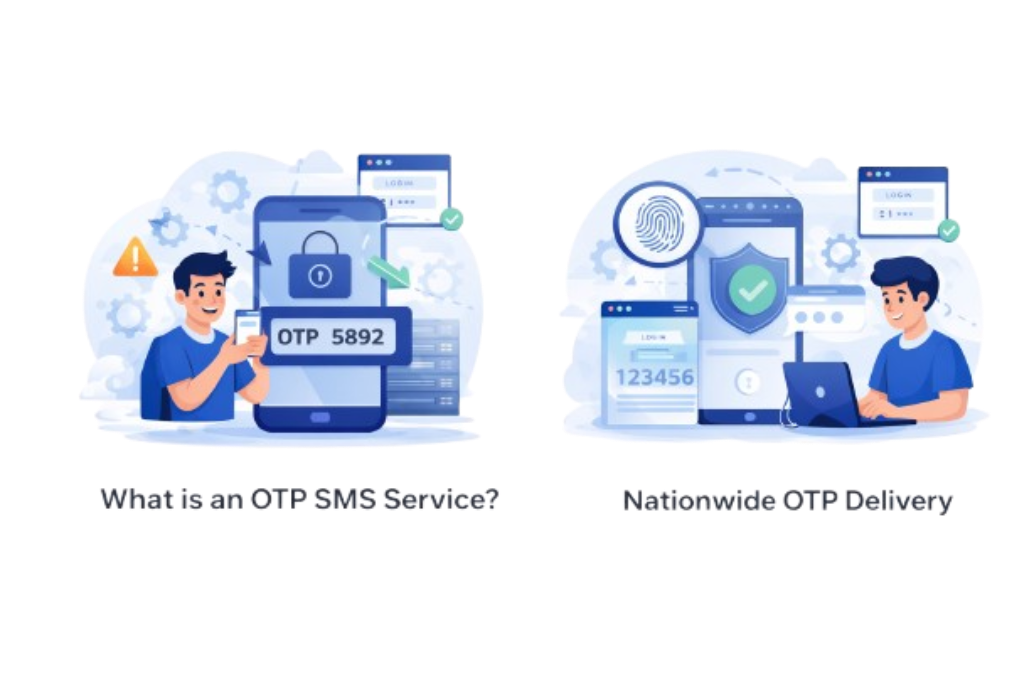
  • Nationwide OTP Delivery

    Send OTP SMS across all telecom operators in India with high delivery success rates and minimal delays for seamless user verification.

  • Powerful SMS API Integration

    Easily integrate our OTP SMS API into your website or mobile app with simple documentation and developer-friendly endpoints.

OTP SMS API India
OTP SMS Support 24x7

24/7 Support for Your OTP SMS Needs

Our expert team is always available to help you with API integration, setup, troubleshooting, and delivery issues β€” ensuring your OTP system runs smoothly at all times.

Contact Now

What is an OTP SMS Service?

OTP SMS service allows you to send One-Time Passwords instantly to users for secure login, verification, and transactions. It ensures fast delivery, high security, and seamless authentication for websites, apps, and online platforms.

Talk to SMS Expert
OTP SMS Service India
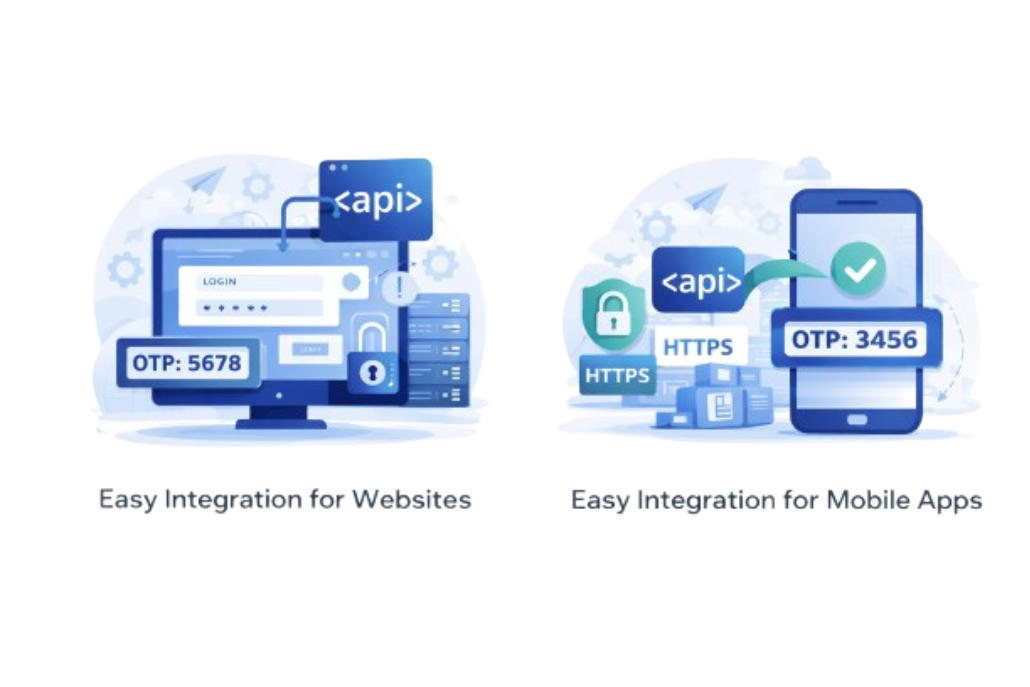
OTP SMS API Integration

Easy Integration for Websites & Apps

Our OTP SMS API is simple to integrate with any website or mobile app. With HTTPS API, real-time delivery tracking, and no DLT registration hassle, you can start sending OTPs within minutes without complex setup.

Get OTP SMS Now

Got Questions About OTP SMS? We’ve Got Answers

OTP SMS service allows businesses to send one-time passwords to users for secure login, verification, and authentication purposes in real-time.

No, our OTP SMS service works without DLT registration, making it quick and hassle-free to start sending OTP messages instantly.

OTP delivery is instant and optimized for speed across all Indian telecom networks, ensuring quick verification for users.

Yes, you can easily integrate our HTTPS API into your website or mobile app with simple documentation and developer support.

Yes, you get full OTP history and tracking through your dashboard to monitor delivery and usage in real-time.

Yes, our OTP SMS system uses secure HTTPS API and reliable infrastructure to ensure safe and protected message delivery.

Yes, we provide 24/7 support for API integration, setup, and troubleshooting to ensure smooth OTP delivery.